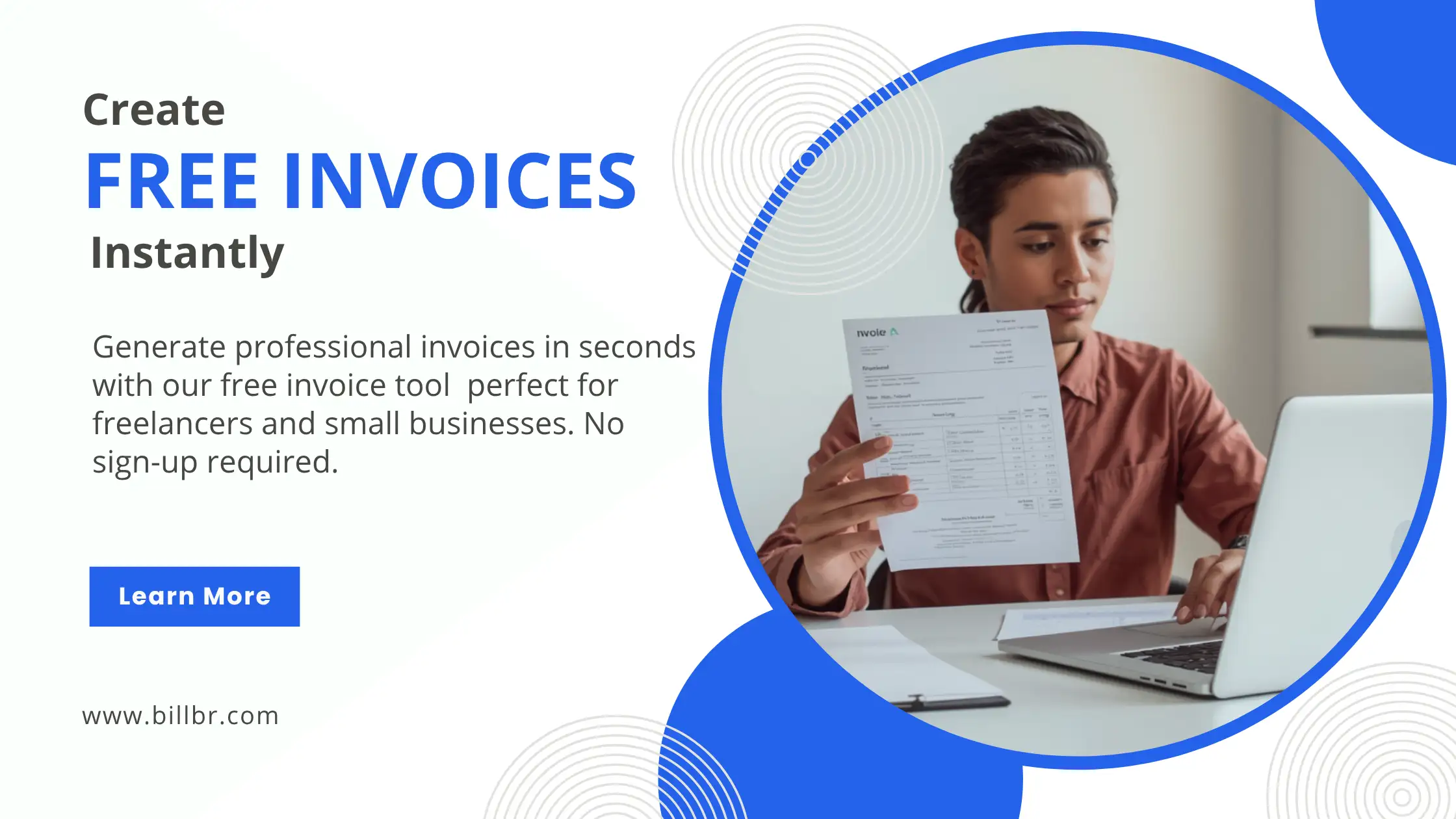
Invoice management might appear insignificant in the grand scheme of business administration; however, its influence on cash flows, relationships with customers, and the overall efficiency of a company cannot be underestimated.
It's not difficult to imagine that even for freelancers and independent entrepreneurs, working manually with the invoices is an exhausting task, as one has to spend several hours each month tracking expenses and payments, accounting for taxes, sticking to formal templates, and sending invoices on schedule.
It's no wonder that businesses turn to modern software solutions when dealing with invoices.
The correct invoicing service will facilitate the entire process of billing, collecting payments, complying with GST regulations, and presenting themselves professionally to their clients.
Let us discuss what qualities make great invoice software and which features you should pay attention to in choosing a billing tool.
Reasons to Consider Using Invoice Software in the Current Environment
Some time back, many companies were using spreadsheets and word processing software for invoicing purposes.
Even though such software may be used to make invoices, they do not suit the current environment.
Some of the problems encountered when invoicing manually include:
· Redundant information
· Inaccurate calculation
· Overlooking payment due dates
· Poor record keeping
· Non-uniform invoice templates
· Delayed billings
Such complications can be overcome through the use of invoice software.
What Is Invoice Software?
Invoice software refers to any computer program used for creating and managing invoices.
There is no need to design new invoices from scratch when you use invoice software. Professional invoices are created in a matter of minutes.
Modern invoice software applications are equipped with additional functions like:
· GST calculator
· Customer relationship management
· Payment monitoring
· Invoice templates
· Recurring billing
· Cloud-based backup
· Mobile accessibility
The goal is simple: help businesses save time and get paid faster.
Why Freelancers Require Invoicing Software
Freelancers generally have multiple clients at one time.
Without professional invoice software, it can be challenging to:
· Keep track of their work
· Provide invoices
· Chase payments
· Maintain professionalism
Professional invoice software helps freelancers:
Creating Branded Invoices
Branding an invoice is a way to boost credibility and establish trust.
Save on Administration Time
It takes only a few minutes to create an invoice instead of wasting hours of time manually.
Easier to Collect Payments
By ensuring clarity, invoicing becomes easier and encourages prompt payments.
Keeping Track
An organized system ensures that all client records are kept in one place.
Why Small Business Needs Invoicing Software
Small businesses handle a lot of customers, products, and services every day.
With the increase in billing volume, manual invoicing becomes cumbersome.
The purpose of invoicing software in small businesses is to:
· Automate recurring billing
· Organize financial affairs
· Cut down human error
· Comply with GST regulations
· View invoice history anytime
· Scale business effectively
Growth-driven organizations will soon find invoicing software indispensable.
Key Features in Invoice Software
Invoicing softwares aren’t made equally when it comes to functionality.
The following are important features you should consider before settling on one software.
Professional Invoice Templates
Good invoices should reflect professionalism in your business.
Choose software that offers customized invoice templates for various sectors.
GST Support
Indian companies will need software that has GST compliance.
These include:
· CGST
· SGST
· IGST
· HSN codes
Mobile Accessibility
The entrepreneurs may need to work outside their offices.
Select a platform that will allow smooth operation via:
· Smartphones
· Tablets
· Laptops
· Desktops
Options for Invoice Sharing
Today’s clients want quick deliveries of invoices.
It is necessary that software allows:
· Sharing via email
· Sharing on WhatsApp
· Download of PDF files
· Invoice Links
Recurring Invoicing
Subscription and retainer-based businesses find this feature very useful.
Automation Features
With automation, the process becomes simpler and less time-consuming.
An optimal program should help automate:
· Invoicing process
· Calculating taxes
· Scheduling billing
· Customer data management
How Technology Is Changing Business Invoicing
Business technology has seen massive growth in the past decade.
The current invoice software utilizes innovations like:
Cloud Computing
Cloud computing offers users secured access to their invoices anytime, anywhere.
Mobile First Approach
Companies can use mobile invoicing services while on the move.
Artificial Intelligence
This innovation provides assistance in generating and optimizing invoices.
Real-Time Sharing
Invoices are shared instantly via various mediums of communication.
This allows companies to function in an efficient manner while ensuring that their customers receive optimal experiences.
Billbr Invoicing System for Small and Growing Business
Billbr has been created to streamline the invoicing process for freelancers, consultants, agencies, startups, and small businesses.
As opposed to offering simple invoice templates, Billbr offers an all-in-one invoicing solution for today’s businesses.
Let’s take a look at what sets Billbr apart from the rest.
Invoice Design Tool: Drag & Drop
Not many invoicing software providers offer customization options for invoices.
Billbr provides full creative freedom for designing invoices using its easy-to-use drag-and-drop tool.
It allows users to do the following:
· Arrange different parts of invoices
· Adjust layout according to preferences
· Meet branding criteria
· Create professional invoices without knowing how to code
Users don't need to be proficient in coding.
GST Ready Billing System
Managing GST manually can be time-consuming and error-prone.
Billbr simplifies GST invoicing through automated calculations.
The platform supports:
· CGST calculations
· SGST calculations
· IGST calculations
· HSN Code integration
This ensures businesses remain compliant while reducing calculation errors.
Mobile Responsive Experience
Work is not limited to your office.
The Billbr website is designed to function perfectly on:
· Phones
· Tablets
· Computers
Invoices can be created, edited, and shared from virtually any location.
This mobile responsive feature is particularly important for freelancers and service companies who operate outside conventional office setups.
AI Assistant to Boost Efficiency
There are now many ways to utilize Artificial Intelligence as a productive instrument.
Billbr comes equipped with an AI assistant that will help you:
· Create invoice content
· Offer layout ideas
· Enhance invoice appearance
· Increase speed of invoice creation
This feature saves time while maintaining professional quality.
Instant Invoice Sharing
Clients expect quick communication.
Billbr allows invoices to be shared instantly through:
Send invoices directly to customers through WhatsApp.
Deliver professional invoices directly to customer inboxes.
Shareable Links
Generate secure invoice links for easy access.
PDF Downloads
Download invoices as professional PDF files for record keeping and customer delivery.
Recurring Billing Automation
Many businesses provide ongoing services.
Examples include:
· Marketing agencies
· Consultants
· SaaS providers
· Subscription businesses
· Maintenance services
Creating recurring invoices manually every month can become tedious.
Billbr automatically generates:
· Monthly invoices
· Quarterly invoices
· Subscription invoices
This automation saves time and improves consistency.
How Billbr Works
The platform follows a simple three-step workflow.
Step 1: Selecting the Template
From over 50 professional invoice templates to choose from.
Customize the layout yourself using the drag-and-drop builder.
Step 2: Adding the Details
Add:
· Customer information
· Products
· Services
· Tax amount
· Discounts
Total amounts are calculated automatically.
Step 3: Sending the Invoice
The invoice can be shared via PDF file, or send it directly to the client using:
· Links
It takes just a few minutes.
Pricing For Billbr
Billbr provides affordable and clear-cut plans for budding enterprises.
Business Plan
₹599 per month
Suitable for individuals and small firms looking for effective invoicing software.
Premium Plan
₹1,499 per month
Tailored to enterprises needing advanced billing functionalities and automation features.
This pricing model allows for professional invoicing with minimal software costs.
Who Should Use Billbr?
Billbr is suitable for a wide range of professionals and businesses.
Freelancers
Create professional client invoices quickly.
Consultants
Manage multiple clients efficiently.
Agencies
Automate recurring billing and client invoicing.
Startups
Scale invoicing operations without hiring additional staff.
Retail Businesses
Maintain accurate GST records and billing history.
Service Providers
Generate detailed invoices with minimal effort.
Why Professional Invoices Matter More Than Ever
The invoice is usually one of the last contacts a company makes with their customer.
Professional invoices indicate:
· Professionalism
· Organizational skills
· Credibility
· Precision
Good invoices can enhance customer faith and minimize any issues with payments.
When businesses invest in professional invoicing, they tend to benefit from increased efficiency and client satisfaction.
Conclusion
Invoicing processes have seen major changes in recent times. Invoicing using simple manual spreadsheets and templates is not sufficient for businesses that require efficiency, effectiveness, and professionalism.
An excellent invoicing software program should be able to make processes such as invoice generation easy, enhance cash flow, ensure GST compliance, and provide customers with a good experience.
Billbr uses modern technology to meet the needs of modern business organizations, using features like drag-and-drop invoicing, GST compliant calculations, artificial intelligence, responsiveness on mobile devices, real-time shareability, and automated recurring billing.
No matter if you are an independent individual who has a few clients or a small business organization that sends invoices to a hundred customers each month, Billbr has the right solution for you.
Akshay Tamrakar
akshay.tamrakar@gmail.com